MEPCO MIS 2026: What It Is, Who Can Log In & How to Check Your Bill
If you have searched for MEPCO MIS, you are probably trying to open your electricity bill, track a payment or log in to a MEPCO portal. The confusion is common. MEPCO MIS is the internal Management Information System that Multan Electric Power Company uses to run billing, records and office work, while ordinary consumers have simpler, public ways to see their bill. This guide explains what MEPCO MIS is, who can log in, and the fastest official ways to check, download and pay your MEPCO bill in 2026.
What Is MEPCO MIS?
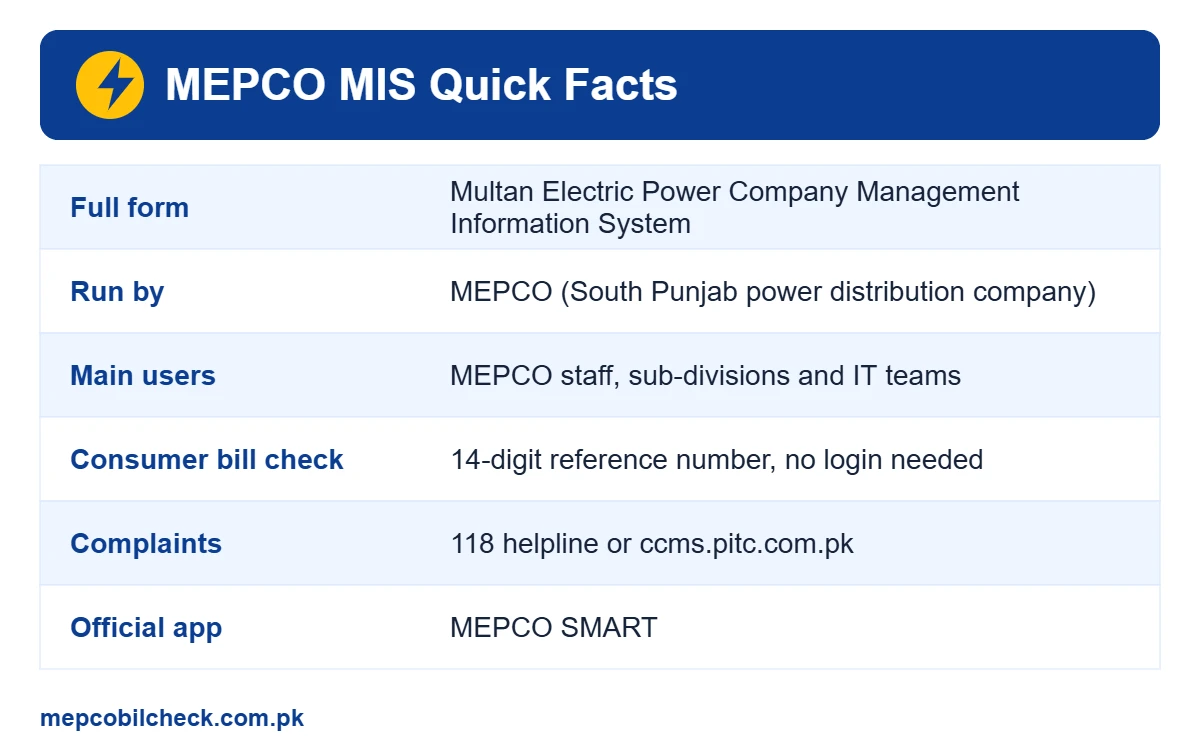
MEPCO MIS stands for Multan Electric Power Company Management Information System. It is a set of web-based tools that MEPCO offices use to manage consumer data, billing, meter readings, load management and reports across South Punjab. Several of these tools run on MEPCO’s IT domain (mepco-it.com.pk), which is why many people see “MEPCO MIS” in search results when they look for their bill.
Think of MEPCO MIS as the back office of the company. When a meter reader records your units, when a bill is corrected at the sub-division office, or when a new connection file moves forward, the data passes through these internal systems. The final bill you receive is then generated and published through the PITC (Power Information Technology Company) billing system.
MEPCO MIS full form
- MEPCO: Multan Electric Power Company
- MIS: Management Information System
- Owner: MEPCO, a government-owned power distribution company (DISCO)
- Main users: MEPCO officers, billing staff, sub-divisions and IT teams
Who Uses the MEPCO MIS Portal?
The MEPCO MIS portal is built mainly for authorised staff. Typical users include:
- Billing and revenue staff who review and correct consumer bills
- Sub-division (SDO) offices that handle new connections, meter changes and complaints
- Load management teams that update feeder schedules
- Senior management that needs reports on recovery, line losses and consumer data
Each staff member gets an official username and password linked to their office and role. That is why there is usually no public “sign up” button on MIS login screens.
MEPCO MIS Login: Can Consumers Log In?
In simple words, most consumers do not need a MEPCO MIS login at all. You can see your full bill, due date, units and 12-month history with only your 14-digit reference number. No username or password is required.
If a website asks you to “create a MEPCO MIS account” and enter your CNIC, mobile number and a verification code, be careful. The official consumer bill service does not ask for that. Use only trusted links such as the official MEPCO website and the PITC bill portal.
Why the MIS MEPCO page may not open for you
- The page is restricted to MEPCO staff accounts or the internal network
- The server is under maintenance, especially near billing dates
- You opened a copied or unofficial link instead of the official domain
- Your browser blocks an old or expired security certificate
None of these problems stop you from checking your bill, because consumers use a different, public system.
How to Check Your MEPCO Bill Without MIS Login
Here is the easiest method that works on mobile and desktop:
- Find the 14-digit reference number printed near the top of any old MEPCO bill.
- Open our free MEPCO bill check online tool, or the official PITC MEPCO bill page.
- Type the reference number without spaces or dashes.
- Tap search to view the current bill.
- Download, print or save the bill as a PDF for your records.
The bill page shows your current amount, due date, the amount after the due date, units consumed and a 12-month history of units, billed amounts and payments.
MEPCO MIS vs PITC Bill Portal vs MEPCO SMART App
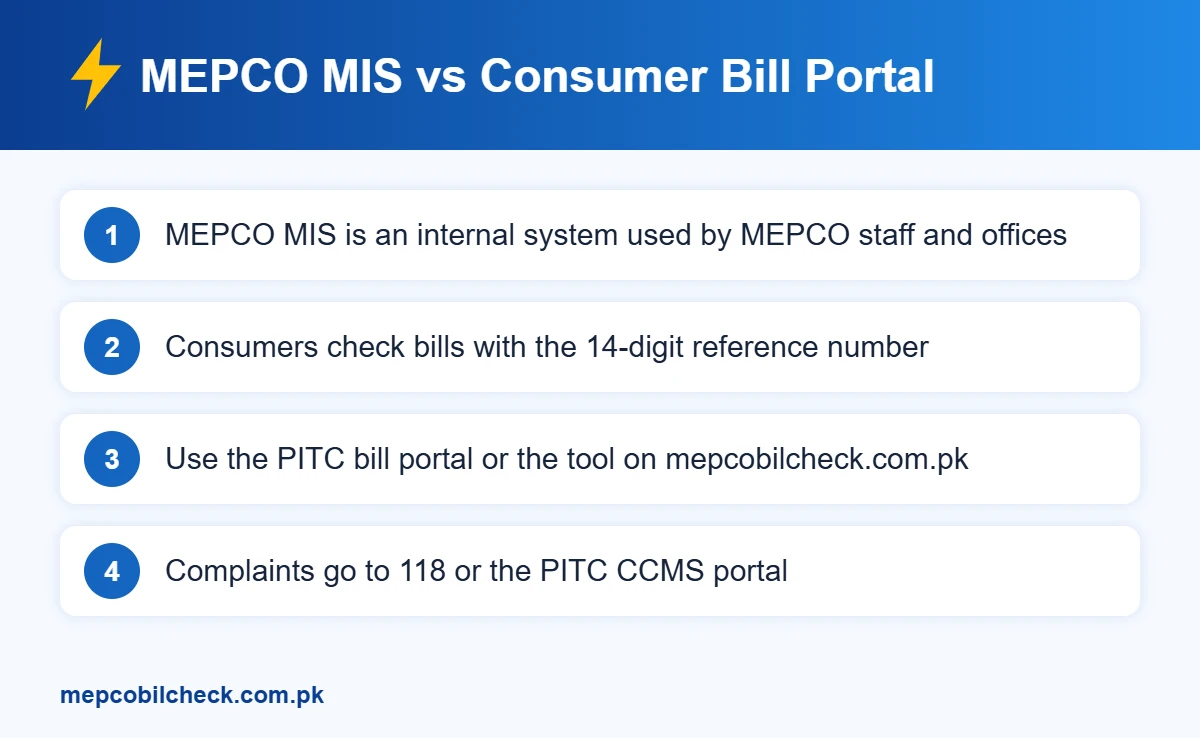
| Feature | MEPCO MIS | PITC bill portal | MEPCO SMART app |
|---|---|---|---|
| Main users | MEPCO staff and offices | All consumers | All consumers |
| Login needed | Yes, staff account | No, only reference number | Depends on the service |
| View and print bill | Internal use | Yes | Yes |
| Bill history | Internal records | 12 months on the bill | Yes |
| Complaints | Handled by staff | No | Yes, with tracking |
| New connection | Processed by offices | No | Apply and track |
For most people, the PITC portal or our tool is enough for bills, and the MEPCO SMART app is useful for requests like complaints, installments or a meter change.
How a MEPCO Bill Moves Through the System
Understanding the flow helps you see where MEPCO MIS fits and where a mistake can happen:
- The meter reader records your units on the reading date.
- The reading enters MEPCO’s billing and MIS records.
- Tariff rates, fixed charges, fuel adjustments and taxes are applied.
- The bill is generated through the PITC billing system and printed.
- A digital copy appears on the online bill portal for download.
- Your payment is posted to your account and shows on the next bill.
If your bill looks wrong, the problem usually starts at step 1 or step 3, so always compare the meter reading on the bill with your actual meter.
What the MEPCO MIS Usually Handles
The exact modules change over time, but a utility MIS like MEPCO MIS typically covers these jobs behind the scenes:
- Consumer master data: name, address, tariff, sanctioned load and meter details for every connection
- Meter reading and billing: uploading readings, calculating bills and handling bill corrections
- New connections: moving applications from the sub-division to approval and installation
- Load management: recording feeder schedules and outage updates
- Recovery and reports: tracking payments, defaulters and line losses for each circle and division
This is why a small error in the MIS, such as a wrong tariff code or a missed reading, can change your bill. If you notice something unusual, ask your SDO office to check the record in the system.
Services You Can Use Instead of MEPCO MIS
MEPCO has moved many consumer services online. These public options replace the need for an MIS login:
- Bill check and duplicate bill: Use your reference number on the PITC portal or the tool on our homepage.
- Complaints: Call the 118 helpline or register a complaint on the PITC Complaint Management System at ccms.pitc.com.pk.
- MEPCO SMART app: The official app listed on the MEPCO website offers a bill estimator, complaint tracking, due date extension and installment requests, meter change requests and new connection tracking.
- New connection: Apply online through the national ENC portal and track your file.
- Load shedding: Feeder-wise schedules are published through PITC and MEPCO channels.
How to Pay Your MEPCO Bill Online
Once you have checked your bill, paying online saves a trip to the bank:
- Mobile wallets: JazzCash and Easypaisa let you pay electricity bills by choosing MEPCO and entering the reference number.
- Banking apps: Most Pakistani banks, such as Allied Bank’s myABL app, offer MEPCO bill payment under utility bills.
- Raast QR: On the Power Division’s direction, distribution companies are rolling out Raast payments through the QR code printed on new bills, so look for this option on your bill.
- Bank branches and post offices: Cash payment is still accepted before the due date.
Always pay before the due date to avoid the late payment surcharge shown on the bill.
Where to Find Your MEPCO Reference Number
The reference number is the key that unlocks every online bill service. You can find it:
- At the top of your printed MEPCO bill, next to “Reference No.”
- In an old SMS bill alert from MEPCO or PITC
- On a bank or mobile wallet receipt of a past payment
- At your local customer service centre, if you show your CNIC and address
Save the number in your phone notes. It normally stays the same for the life of the connection.
Common MEPCO MIS and Bill Problems (With Fixes)
Bill not showing: New bills are usually uploaded a few days before the due date. If the current month is missing, try again after a day or two.
Invalid reference number: Re-check all 14 digits. Many people miss a digit or add a space. Some services also accept the 10-digit customer ID printed on the bill.
Wrong units or a high bill: Compare the meter reading on the bill with your meter. If they do not match, file a complaint through 118 or the CCMS portal, or visit your SDO office with a clear photo of the meter.
Payment not reflecting: Bank and wallet payments can take one to three working days to appear. Keep your receipt until the next bill shows the payment.
Safety Tips: Avoid Fake MEPCO MIS Websites
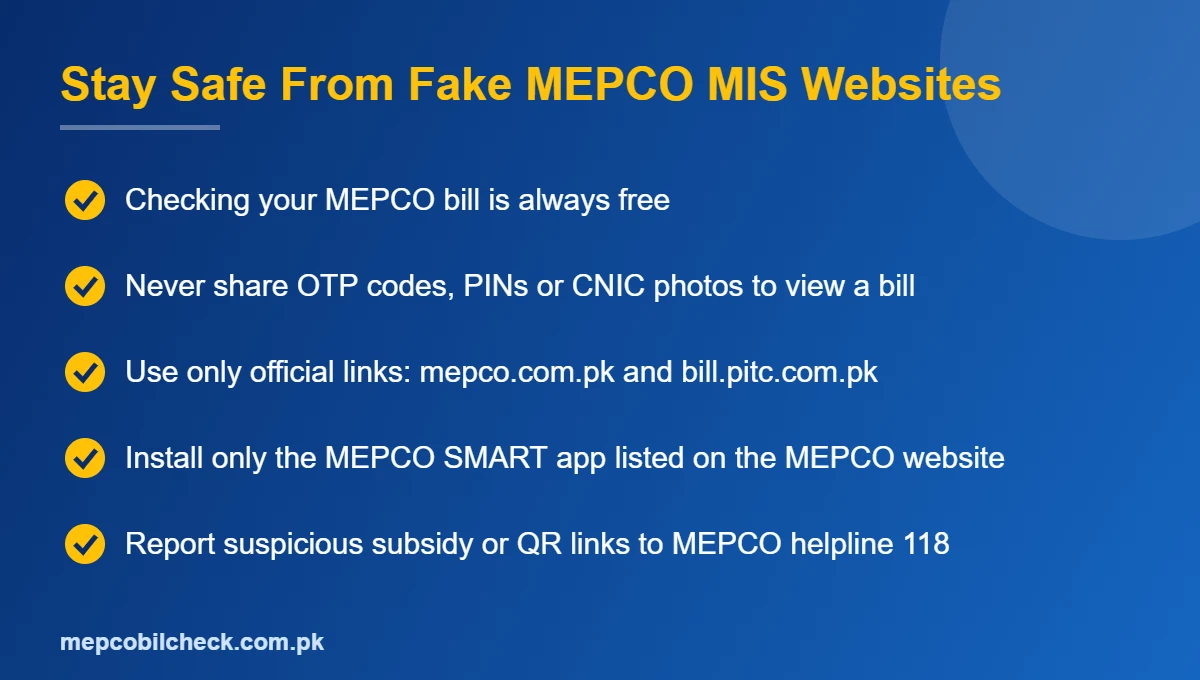
Because MEPCO MIS is a popular search term, many copycat pages use the name. Follow these simple rules to stay safe:
- Never share your CNIC copy, OTP codes or banking PIN to “unlock” a bill
- Check the domain carefully before you type anything
- Do not install apps that are not listed on the official MEPCO website
- Remember that checking an electricity bill is always free
In May 2026, Pakistan’s Power Division also warned consumers about fake subsidy links and QR codes that try to steal personal data, so treat unknown links with extra caution.
Tips to Keep Your MEPCO Account Problem-Free
- Save a PDF copy of every bill in one folder on your phone
- Check the meter reading on each bill within a day of receiving it
- Pay at least two to three days before the due date so the payment posts on time
- Keep the same mobile number registered for SMS bill alerts
- Report a damaged or slow meter early, before a large detection bill builds up
MEPCO Service Area at a Glance
MEPCO supplies electricity to most of South Punjab. Major districts include Multan, Khanewal, Lodhran, Vehari, Sahiwal, Pakpattan, Bahawalpur, Bahawalnagar, Rahim Yar Khan, Dera Ghazi Khan, Rajanpur, Muzaffargarh and Layyah. If your bill is issued by MEPCO, every method in this guide works for you, whichever city you live in.
Frequently Asked Questions
What is MEPCO MIS used for?
MEPCO MIS is used by MEPCO staff to manage billing, consumer records, meter readings, load management and reports. Consumers usually do not need it.
Can I check my bill on MEPCO MIS online?
You do not need MEPCO MIS online access to check a bill. Enter your 14-digit reference number on the PITC bill portal or on our homepage tool.
Is MEPCO MIS login free?
Staff accounts are issued by MEPCO itself. For consumers, bill checking is completely free and needs no login.
I forgot my reference number. What should I do?
Look at an old bill, an old SMS alert or a payment receipt. If you have none, visit your nearest MEPCO customer service centre with your CNIC and address.
Is there an official MEPCO app?
Yes. The MEPCO website lists the MEPCO SMART app for bills, complaints, installments and new connection tracking.
Final Words
MEPCO MIS is a powerful internal system, but you do not need it to manage your electricity account. With your reference number, you can view, download and pay your bill in under a minute, and you can use 118, the CCMS portal or the MEPCO SMART app for complaints and requests. Bookmark our MEPCO bill check online page so your next bill is always one tap away.
One Comment