MEPCO Complaint Number 2026: Helpline 118, Online Complaint & SMS Guide
Looking for the right MEPCO complaint number? Whether your light has gone, a wire is sparking, your meter is faulty or your bill looks too high, the fastest fix starts with reaching the right MEPCO channel. In this guide you will find the official MEPCO helpline 118, the online complaint portal, SMS and app options, and exactly what to do if your complaint is not solved on time.
MEPCO Complaint Number at a Glance
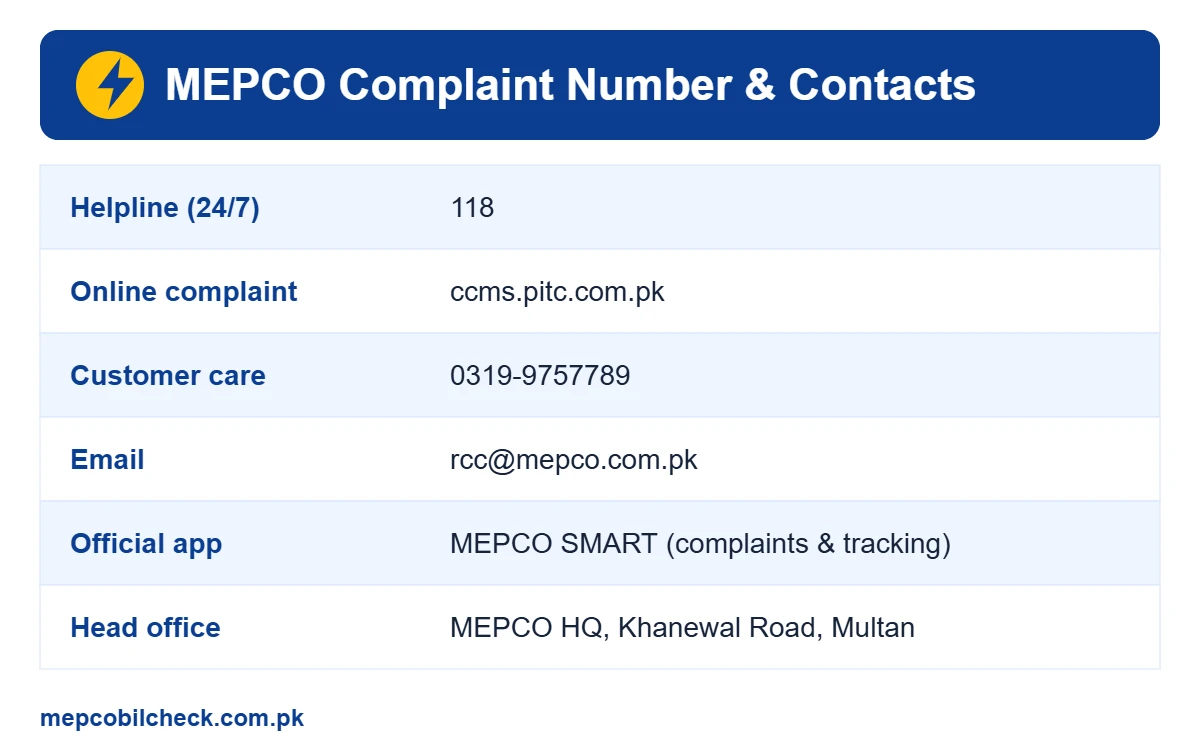
The main MEPCO complaint number is 118. It works from mobile phones and landlines across the MEPCO region, and you can call it for power outages, faults and billing problems. Here are all the official contact channels in one place:
| Channel | Details | Best for |
|---|---|---|
| MEPCO helpline | 118 | Outages, faults, emergencies |
| Online complaint | ccms.pitc.com.pk | All complaints with tracking |
| Customer care | 0319-9757789 | Follow-up and general queries |
| [email protected] | Written complaints with documents | |
| MEPCO SMART app | Listed on the official MEPCO website | Complaints, tracking, NEPRA escalation |
| In person | Your SDO office or customer service centre | Meter, billing and connection issues |
When Should You Call the MEPCO Helpline?
Call the MEPCO helpline 118 for any problem that needs a line staff visit or quick action:
- No electricity in your house while neighbours have power
- Electricity gone in the whole street or area for a long time
- Low voltage, flickering lights or heavy fluctuation
- Sparking wires, a fallen pole or a broken cable on the road
- A burnt or blown transformer
- A meter that is burnt, stuck or running too fast
Safety first: If you see a fallen wire or sparking, stay away, keep children and animals away, and call the MEPCO complaint number immediately. Never try to fix a line yourself.
How to Register a Complaint on MEPCO Helpline 118
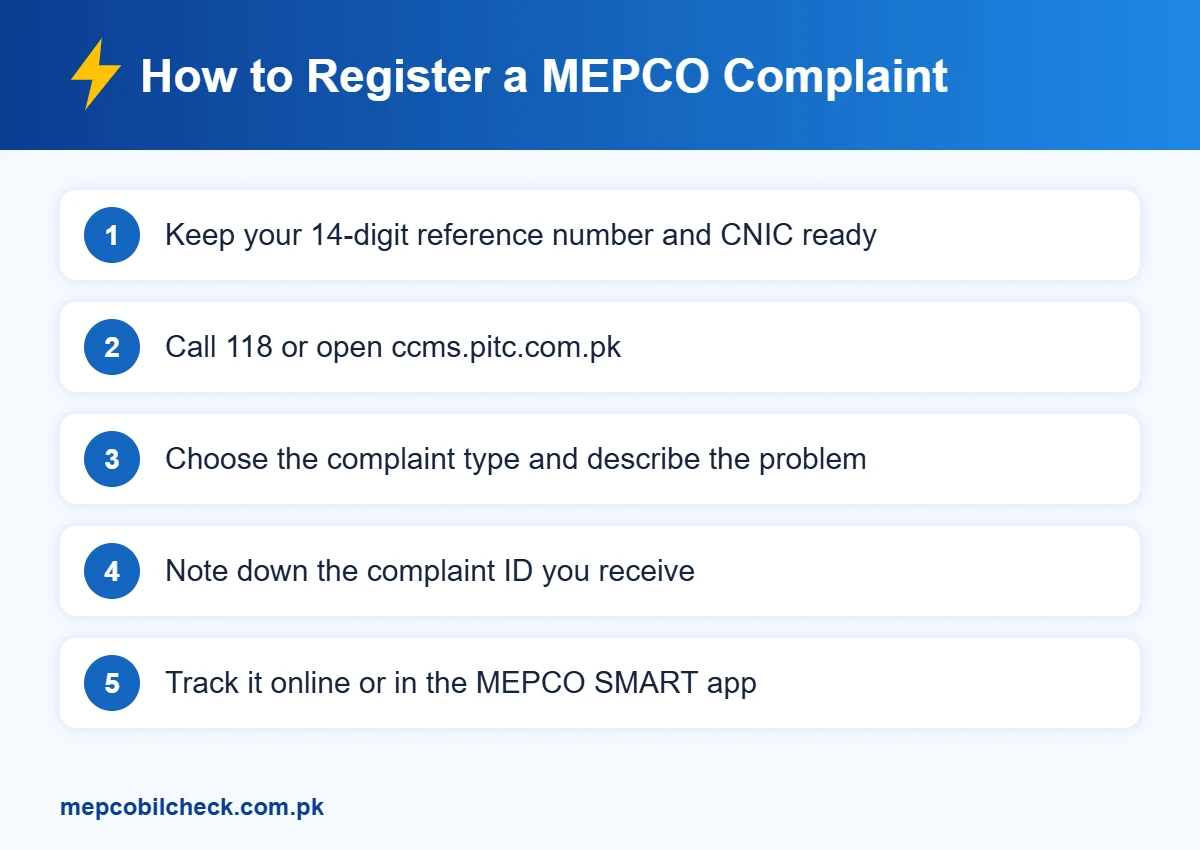
Calling the MEPCO helpline number is the quickest way to report a fault:
- Dial 118 from your mobile or landline.
- Choose your language option and wait for the operator.
- Share your 14-digit reference number, name and full address.
- Explain the problem clearly, for example “no supply since 8 pm”.
- Ask for the complaint number and write it down.
Keep your phone available after the call. The local complaint office or line staff may contact you to confirm the location.
How to File a MEPCO Complaint Online
If you prefer a written record, register your MEPCO complaint online through the PITC Complaint Management System (CCMS). It works for all ex-WAPDA distribution companies, including MEPCO.
- Open ccms.pitc.com.pk in your browser.
- Select MEPCO as your distribution company.
- Enter your 14-digit reference number and mobile number.
- Choose the complaint type, such as supply failure, billing or meter.
- Describe the problem in a few lines and submit.
- Save the complaint ID shown on the screen or sent to your phone.
You can use the same portal to check the status of your MEPCO complaint online later.
Register a Complaint Through the MEPCO SMART App
MEPCO’s official website lists the MEPCO SMART mobile app. According to the app page, it lets you submit complaints, track complaints by ID and escalate a complaint to NEPRA. It also offers a bill estimator, meter change requests, due date extension and installment requests, and new connection tracking. Download it only from the link on the MEPCO website or the official app stores to avoid fake copies.
MEPCO Complaint by SMS
Many MEPCO consumers also use PITC’s SMS short code 8118 for complaints and bill alerts. Send your 14-digit reference number with a short description of the problem. SMS formats can change, so check the latest instructions printed on your bill before you send. If you do not receive a reply, use 118 or the CCMS portal instead.
Billing Complaints: Overbilling, Wrong Reading and Detection
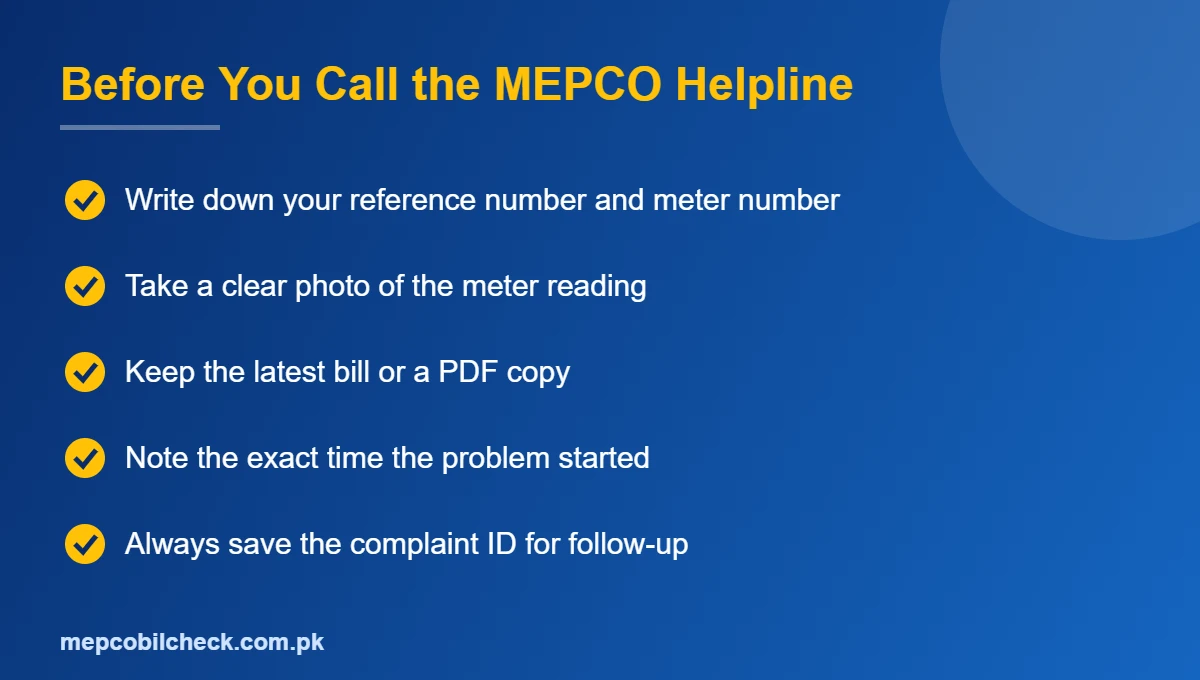
Billing problems need a little more evidence than a power outage. Before you contact the MEPCO complaint number or visit the office, prepare:
- The latest bill and, if possible, the last two or three bills
- A clear, dated photo of your meter showing the current reading
- Your CNIC copy and the reference number
- Payment receipts, if a paid bill is showing as unpaid
Common billing complaints include:
- Overbilling: The reading on the bill is higher than the meter reading.
- Estimated or average bill: The meter was not read, so an average was charged.
- Detection bill: Extra units were charged after a meter check. Ask for the written detection details and the calculation.
- Payment not posted: A paid amount appears as arrears.
You can register billing complaints at 118 or online, but for corrections you may need to visit your SDO or revenue office with the documents above. You can view your current bill and history on our MEPCO bill check online page before you go.
Meter Complaints and Meter Change
A burnt, damaged or sticking meter can cause wrong bills or a full supply cut. Report it to the MEPCO helpline, then follow up at your sub-division office. The MEPCO SMART app also has a Meter Change Request option. Keep the old meter reading photo, because it will be used for your final reading on the old meter.
MEPCO Complaint Types and Where to Report Them
Different problems are handled by different teams. Use this table to choose the right channel the first time:
| Problem | Best channel | What to keep ready |
|---|---|---|
| No supply or area outage | 118 helpline | Reference number, landmark |
| Sparking, fallen wire, pole damage | 118 helpline (emergency) | Exact location |
| Low voltage or fluctuation | 118 or CCMS portal | Time and duration of the issue |
| Overbilling or wrong reading | CCMS portal, then SDO office | Bill copy, meter photo |
| Detection bill | SDO or revenue office | Detection notice, CNIC, bills |
| Faulty or burnt meter | 118, then meter change request | Meter photo, reference number |
| Payment not posted | Customer care or SDO office | Payment receipt |
| New connection delay | MEPCO SMART app or SDO office | Application or tracking ID |
MEPCO Complaint Number for Every City
You do not need a separate number for each city. The same MEPCO complaint number, 118, works in Multan, Bahawalpur, Dera Ghazi Khan, Rahim Yar Khan, Sahiwal, Vehari, Khanewal, Muzaffargarh, Bahawalnagar, Layyah, Lodhran, Pakpattan and Rajanpur. Your call is routed to the complaint office that serves your area. For office visits, your bill shows the name of your sub-division, which tells you exactly where to go.
How Long Does MEPCO Take to Fix a Complaint?
The time depends on the type of fault. A single-house supply issue is usually attended faster than a transformer replacement or a feeder fault that affects a whole area. NEPRA’s Consumer Service Manual sets service standards and time limits for distribution companies, including MEPCO, so you have the right to ask the complaint office for the expected time. If the problem continues well past that time, follow up with your complaint ID and then use the escalation steps below.
Sample Complaint Message You Can Copy
Use this simple format for email, SMS or the online form. Clear details help the staff act faster:
Subject: No electricity supply – Reference No. 00 00000 0000000
Dear MEPCO team, there has been no electricity at my house since 8:00 pm today, while nearby houses have supply. Address: house number, street, area, city. Nearest landmark: name of mosque or school. Mobile: 03XX-XXXXXXX. Please send line staff as soon as possible. Earlier complaint ID (if any): XXXXX.
Replace the sample details with your own before you send it.
What to Do If Your MEPCO Complaint Is Not Resolved
If the MEPCO complaint number does not solve your problem, move up step by step:
- Follow up on 118 with your complaint ID and ask for the expected time.
- Visit the SDO or XEN office of your area with your documents.
- Contact MEPCO customer care at 0319-9757789 or email [email protected] with your complaint ID.
- Escalate to NEPRA through the NEPRA complaint system on nepra.org.pk or through the MEPCO SMART app’s NEPRA option.
- Use the Pakistan Citizen’s Portal app as a final public complaint channel.
Always mention your earlier complaint IDs. This shows the complaint has been ignored and speeds up action.
Tips for Faster MEPCO Complaint Resolution
- Call during the problem, not after it ends, so staff can find the fault
- Give a clear landmark, such as a mosque, school or shop near your house
- Report street-level outages together with neighbours using different reference numbers
- Do not file many duplicate complaints for the same issue; follow up on one ID
- Be polite but firm, and note the name of the person you spoke with
Other Useful MEPCO Contacts and Guides
MEPCO’s head office is on Khanewal Road, Multan, and each circle has its own operation and customer service offices. If you are confused about the different MEPCO portals, read our guide on MEPCO MIS, which explains which systems are for staff and which are for consumers.
Frequently Asked Questions
What is the MEPCO complaint number?
The MEPCO complaint number is 118. You can call it for outages, faults and billing issues anywhere in the MEPCO region.
Can I register a MEPCO complaint online?
Yes. Use the PITC CCMS portal at ccms.pitc.com.pk or the MEPCO SMART app, and save the complaint ID for tracking.
Is the MEPCO helpline number free?
Call charges depend on your mobile or landline package, but registering a complaint itself is free. MEPCO never asks for money to register a complaint.
How do I check my MEPCO complaint status?
Use the complaint ID on the CCMS portal or in the MEPCO SMART app, or call 118 and share the ID.
Where can I complain if MEPCO does not respond?
Escalate to NEPRA through its online complaint system, or use the Pakistan Citizen’s Portal with your earlier complaint IDs.
Final Words
Save the MEPCO complaint number 118 in your phone today, along with the CCMS link and your reference number. With the right details ready, most outage and billing complaints move much faster. For your current bill, due date and payment history, use our free MEPCO bill check online tool anytime.
One Comment