MEPCO Load Shedding Schedule 2026: Check Feeder-Wise Timings Online
Power cuts are hard to plan around when you do not know when they will happen. The good news is that the MEPCO load shedding schedule is published feeder by feeder, so you can check the timings for your own area instead of guessing. In this guide you will learn where to find the official MEPCO load shedding schedule, how to identify your feeder, why some areas face longer cuts than others, and what to do when the light goes without warning.
MEPCO Load Shedding Schedule 2026: Official Places to Check
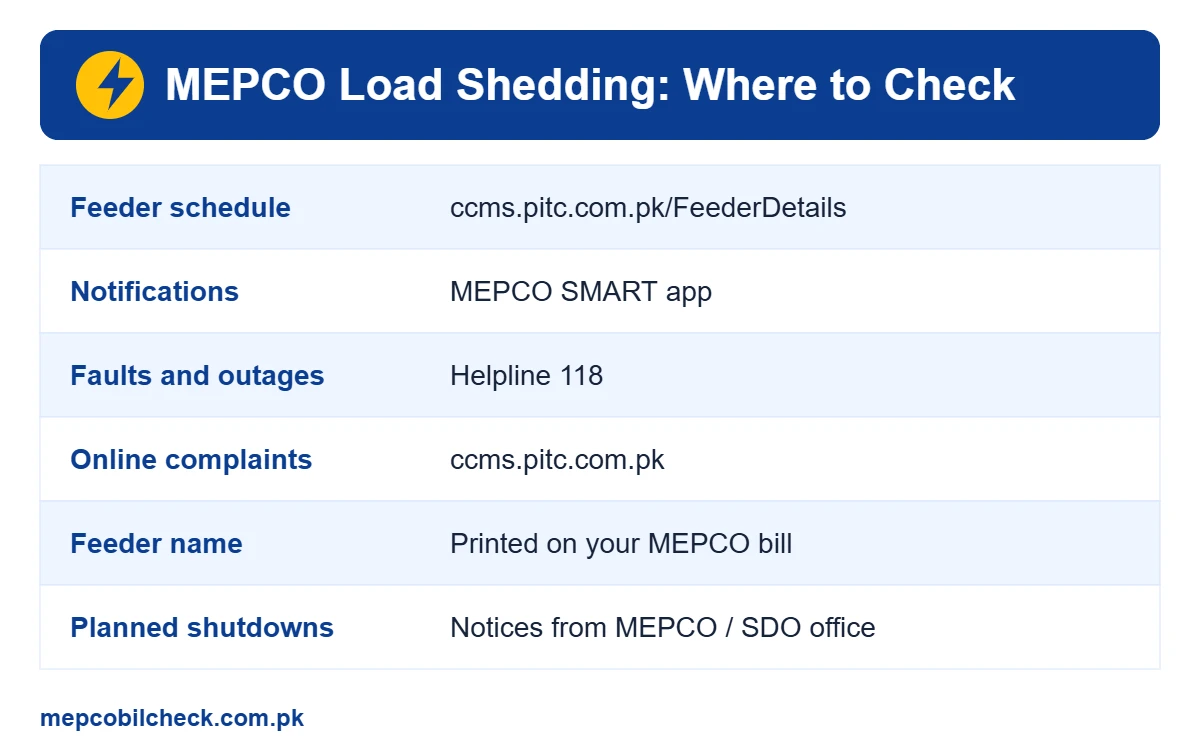
MEPCO’s official Ease of Doing Business page lists these sources for feeder-wise schedules and outage information:
| Source | What you get | Link or contact |
|---|---|---|
| PITC feeder details page | Feeder-wise load shedding schedule | ccms.pitc.com.pk/FeederDetails |
| MEPCO SMART app | Notifications and consumer services | Official link on the MEPCO website |
| MEPCO helpline | Fault and outage information | 118 |
| Local SDO office | Area schedule and planned shutdowns | Address on your bill |
Because schedules can change with demand, weather and system conditions, always check the latest MEPCO load shedding schedule on the official page on the day you need it.
Step 1: Find Your Feeder Name
Load shedding in MEPCO is managed by feeder. A feeder is the 11 kV line that supplies your street or area from the grid station. Every connection is attached to one feeder, and the MEPCO feeder schedule for that line decides your timings.
You can find your feeder name on your MEPCO bill, usually in the connection details near the sub-division and division names. If you do not have a paper bill, open your latest bill with your reference number on our MEPCO bill check online tool and note the feeder name.
Step 2: Check the MEPCO Load Shedding Schedule Online
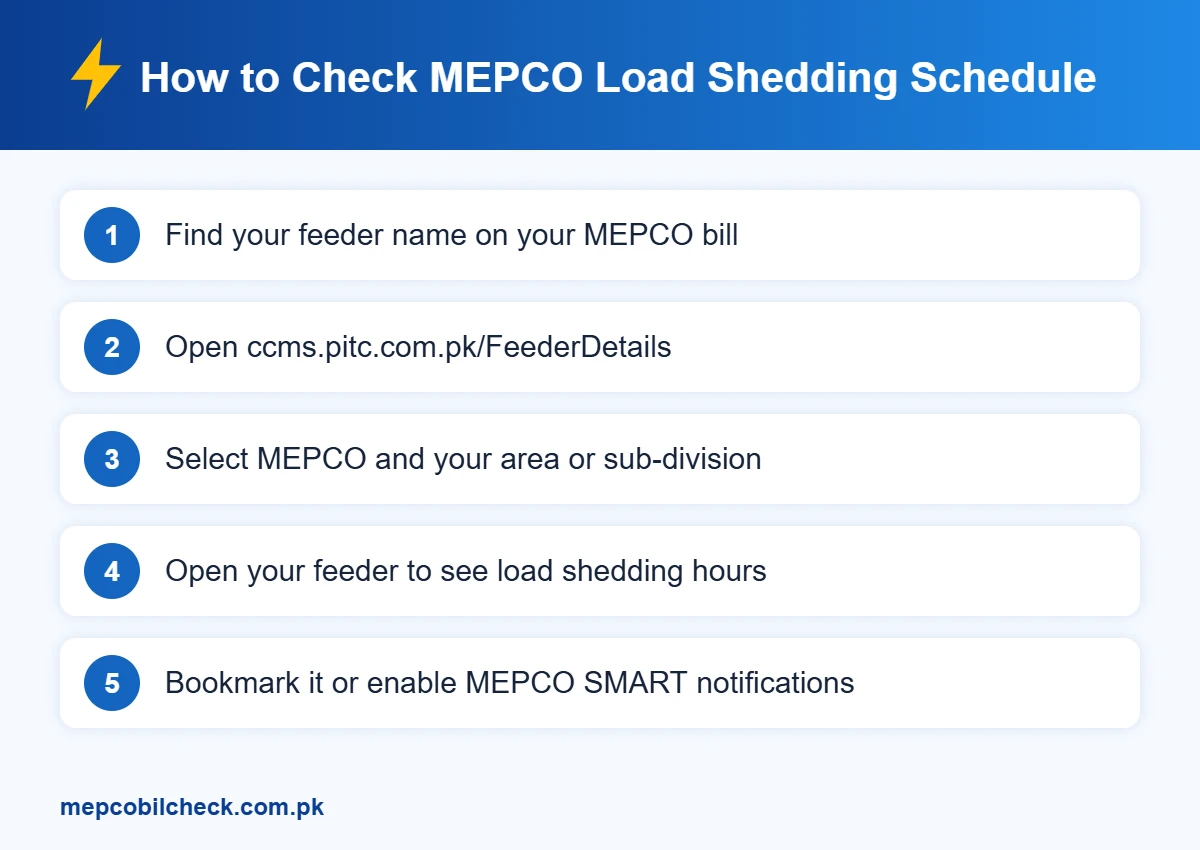
- Open the PITC feeder details page at ccms.pitc.com.pk/FeederDetails.
- Select MEPCO as your distribution company if the page asks for it.
- Choose your circle, division or sub-division, or search for your feeder name.
- Open your feeder to see its load shedding hours and status.
- Save a screenshot or bookmark the page for quick daily checks.
If your feeder is not listed, or the page is busy, call 118 or ask your SDO office for the current load shedding schedule MEPCO has issued for your area.
Step 3: Turn On Notifications in the MEPCO SMART App
MEPCO’s website states that you can use the MEPCO mobile app for notifications. The official app, MEPCO SMART, also lets you register complaints, track them and request services like installments and meter changes. Install it only from the link on the MEPCO website so you get the genuine app.
Why MEPCO Load Shedding Is Different in Every Area
Two houses in the same city can face very different load shedding. The main reasons are:
- Feeder losses and recovery: Power sector policy links load shedding to the losses on each feeder. Feeders with high line losses, electricity theft and unpaid bills usually face longer cuts, while low-loss feeders face little or none.
- Demand and supply: On very hot days, when demand jumps across South Punjab, extra load management may be needed to keep the system stable.
- Local network limits: An overloaded transformer or a weak line can trip repeatedly, even outside the official MEPCO load shedding hours.
- Maintenance work: Planned shutdowns are needed to repair lines, replace poles or install new equipment.
This is why checking your own MEPCO feeder schedule is more useful than following general city timings shared on social media.
Load Shedding vs Planned Shutdown vs Fault
| Type | What it means | How you know | What to do |
|---|---|---|---|
| Load shedding | Scheduled cuts on a feeder | Feeder schedule | Plan around the timings |
| Planned shutdown | Maintenance or new work | Advance notice from MEPCO | Prepare backup for that day |
| Fault or breakdown | Unexpected failure | No notice, outside schedule | Report on 118 or CCMS |
If the power goes outside your published MEPCO load shedding schedule and does not return in a reasonable time, it is most likely a fault. Report it so line staff can find it quickly.
What to Do During an Unscheduled MEPCO Outage
- Check whether neighbours also have no supply. If only your house is affected, check your main switch and breaker.
- Call the MEPCO helpline 118 with your reference number and a clear landmark.
- You can also register the problem on the PITC CCMS complaint portal.
- Save the complaint ID and follow up if the supply is not restored.
- Stay away from fallen wires or sparking poles and report them immediately.
Our MEPCO complaint number guide lists every official contact and the escalation steps.
How to Prepare for MEPCO Load Shedding
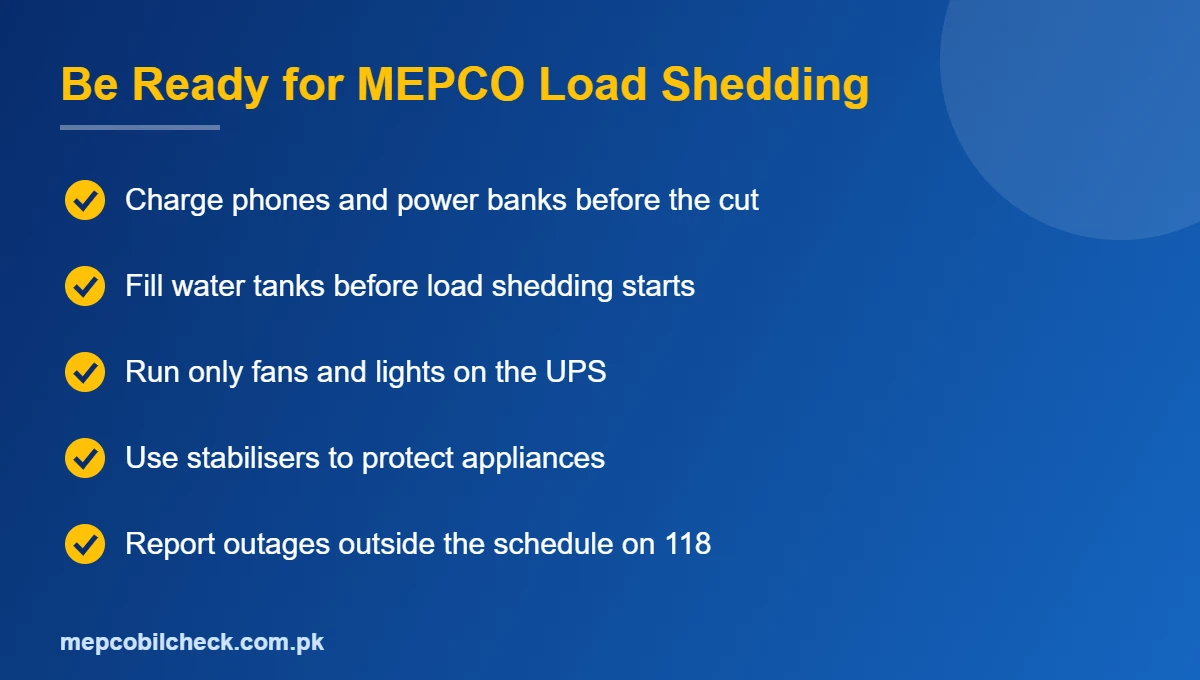
- Charge devices early: Charge phones, power banks and laptops before your scheduled cut.
- Fill water tanks: Run the water motor before load shedding starts.
- Use a UPS wisely: Run only fans and lights on the UPS, and avoid heavy loads that drain batteries fast.
- Consider solar with batteries: In South Punjab’s strong sunlight, a small solar system with batteries can cover essential loads during daytime cuts.
- Protect appliances: Use stabilisers and surge protectors, because voltage spikes are common when supply returns.
- Keep a torch handy: Place a rechargeable light where everyone can find it.
Can Consumers Help Reduce Load Shedding on Their Feeder?
Yes. Since load shedding is linked to feeder losses, the behaviour of consumers on a feeder matters:
- Pay bills on time so recovery on your feeder improves
- Report illegal hooks (kunda) and theft through official channels
- Avoid unauthorised extra load on your connection
- Report damaged meters and loose wires quickly
When losses fall, a feeder can move to a better category, which can reduce load shedding hours for everyone on it.
MEPCO Load Shedding and Peak Hours
Load shedding decides whether you have power, while peak hours decide how much you pay for each unit on a TOU meter. In the evening, both often overlap, so planning matters. Read our MEPCO peak hours guide to see the season-wise timings and save on your bill.
MEPCO Load Shedding in Different Cities
MEPCO serves a large part of South Punjab, including Multan, Bahawalpur, Dera Ghazi Khan, Rahim Yar Khan, Sahiwal, Vehari, Khanewal, Muzaffargarh, Bahawalnagar, Layyah, Lodhran, Pakpattan and Rajanpur. There is no single MEPCO load shedding schedule for a whole city. Inside the same city, one feeder may have no cuts while another has several hours a day, depending on its losses and recovery.
So when someone shares a “Multan load shedding schedule” or “Bahawalpur load shedding timings” on social media, treat it as a rough guide only. The timing that matters for you is the MEPCO feeder schedule for the feeder printed on your own bill.
MEPCO Load Shedding in Summer vs Winter
In summer, demand rises sharply because of air conditioners, fans and tube wells, so evening hours are under the most pressure and feeders trip more often. In winter, overall demand is lower, but planned maintenance work is often done in cooler months, so you may see more planned shutdowns announced in advance. In both seasons, check your MEPCO load shedding schedule regularly instead of relying on last month’s timings.
Common Myths About MEPCO Load Shedding
| Myth | Fact |
|---|---|
| The whole city has the same schedule | Load shedding is managed feeder by feeder |
| Paying your bill does not affect load shedding | Feeder losses and recovery affect load shedding hours |
| Every power cut is load shedding | Cuts outside the schedule are usually faults to report |
| Complaining does not help | Fault complaints on 118 help staff locate problems faster |
| Social media timings are official | Only MEPCO and PITC channels publish official schedules |
Knowing these facts helps you plan better and report real faults on time.
Frequently Asked Questions
Where can I check the MEPCO load shedding schedule?
Check the feeder-wise schedule on the PITC feeder details page at ccms.pitc.com.pk/FeederDetails, use the MEPCO SMART app for notifications, or call 118.
How do I know my MEPCO feeder name?
Your feeder name is printed on your MEPCO bill in the connection details. You can also download your bill online with your reference number.
Why does my area have more MEPCO load shedding than others?
Load shedding is linked to feeder losses and recovery. Feeders with higher losses and theft usually face longer cuts.
Is MEPCO load shedding the same every day?
No. Timings can change with demand, weather and system conditions, so check the latest MEPCO load shedding schedule regularly.
What should I do if power goes outside the schedule?
It may be a fault. Report it on 118 or the CCMS portal with your reference number and save the complaint ID.
Final Words
The easiest way to beat power cuts is to know your own feeder and follow the official MEPCO load shedding schedule for it. Keep your feeder name and reference number saved, check the PITC feeder page or the MEPCO SMART app, and report unscheduled outages on 118. For your latest bill and feeder details, use our free MEPCO bill check online tool anytime.

4 Comments