MEPCO Old Bill Check 2026: View 12-Month Bill History & Previous Bills Online
Need a bill from a few months ago to prove a payment, settle a rent issue or check why your units went up? A MEPCO old bill check is easier than most people think. Every MEPCO duplicate bill carries a 12-month bill history, and you can open it online in seconds with your reference number. This guide shows you how to view your MEPCO bill history, confirm whether a bill was paid, and get records older than one year.
Can You Do a MEPCO Old Bill Check Online?
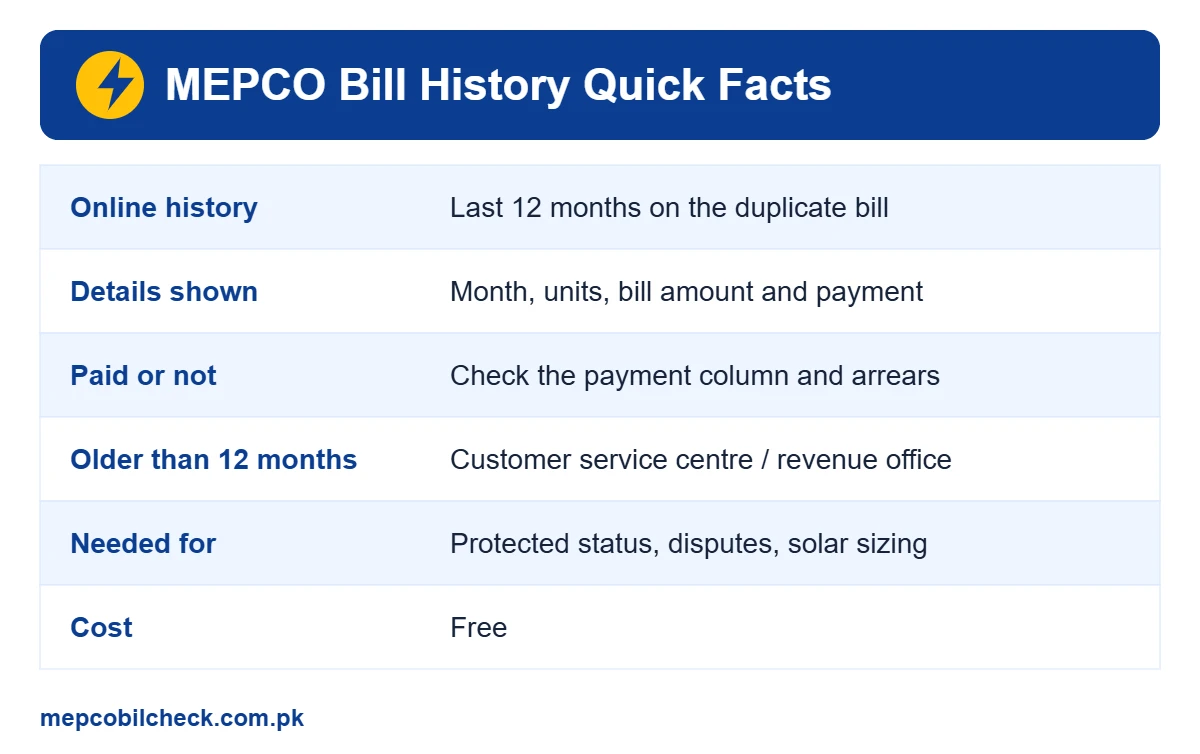
Yes. The online duplicate bill shows the current month in full, and it also includes a history table with your last 12 months of units, billed amounts and payments. For most people, this table is all they need from a MEPCO old bill check. The portal does not usually let you download the full printed bill of a past month, but the history table gives you the key numbers for every month.
If you need the complete printout of a specific old bill, or records older than 12 months, you can request them from your MEPCO customer service centre or revenue office, as explained later.
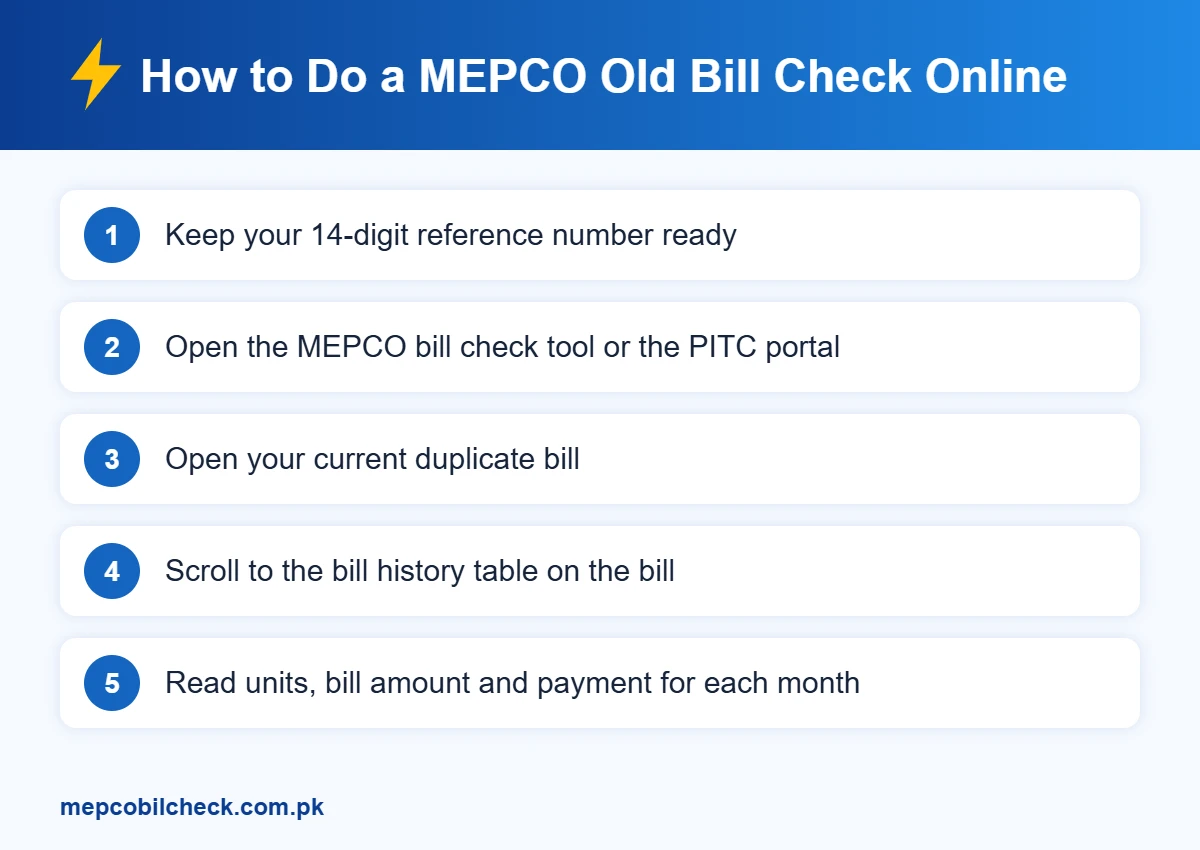
How to Do a MEPCO Old Bill Check Online
- Find your 14-digit reference number on any MEPCO bill, SMS alert or payment receipt.
- Open our free MEPCO bill check online tool or the official PITC MEPCO bill page.
- Enter the reference number without spaces and search.
- When the current bill opens, scroll down to the bill history section.
- Read the units, bill amount and payment for each of the last 12 months.
- Download or print the bill to keep a copy of the MEPCO bill history.
Do not have your reference number? Follow our guide on MEPCO bill check by CNIC to recover it safely.
Understanding the MEPCO Bill History Table
The history table may look small, but it tells a complete story. Here is a simple example of how it is arranged (the numbers below are only an illustration):
| Month | Units | Bill (Rs) | Payment (Rs) |
|---|---|---|---|
| Sep | 310 | 14,250 | 14,250 |
| Aug | 365 | 17,900 | 17,900 |
| Jul | 402 | 19,800 | 0 |
| Jun | 388 | 18,650 | 18,650 |
- Month: The billing month of each past bill.
- Units: The electricity you used in that month.
- Bill: The amount billed for that month.
- Payment: The amount MEPCO received against that bill.
In this example, July shows a payment of zero, which means that bill was not paid on time and would appear as arrears on a later bill.
How to Check If a MEPCO Bill Is Paid or Not
A MEPCO old bill check is also the easiest way to confirm a payment:
- Look at the payment column: If the payment amount for a month matches the bill amount, that bill was paid.
- Check the arrears line: If your current bill shows arrears, an earlier bill was unpaid or partly paid.
- Allow posting time: A payment made a day or two ago may not appear yet. Bank and wallet payments can take one to three working days to post.
- Keep the receipt: If a paid bill still shows as unpaid after a few days, show the receipt at your customer service centre or register a complaint.
For complaint channels, see our MEPCO complaint number guide.
How to Get a MEPCO Old Bill Older Than 12 Months
If you need records beyond the history table, try these options:
- Customer service centre or revenue office: Visit with your CNIC and reference number and request a statement or copies of the old bills you need.
- MEPCO SMART app: The official app offers bill download and payment options, and it is useful for keeping your recent bills in one place.
- Your own records: Check your email, WhatsApp chats, phone gallery and banking or wallet app history for old bills and receipts.
- Bank statements: If you pay through a bank account, the statement shows the date and amount of every MEPCO payment.
Ask the office for the exact procedure and time required, as large record requests may take longer.
Why Your MEPCO Bill History Matters
A regular MEPCO old bill check helps you in many situations:
- Spotting overbilling: A sudden jump in units without a change in usage is a warning sign. Compare the units with your meter reading.
- Protected consumer status: Your units over the last six months decide whether you get protected slab rates.
- Planning solar: Installers size a solar system using your 12-month units.
- Rent and property matters: Landlords and buyers often ask for proof that bills were paid.
- Budgeting: Seeing your bill trend helps you plan for summer months.
- Energy saving: Comparing peak months helps you see what changes reduce units. Our MEPCO peak hours guide explains how timing affects bills for TOU users.
Protected Consumers and the 6-Month Rule
Under the national tariff, a residential consumer is treated as protected when the monthly consumption stays within 200 units for each of the previous six months. Protected consumers pay much lower per-unit rates. If your consumption crosses 200 units even once, you can lose this status for the next six months.
That is why your MEPCO bill history is so important. Check the last six months in the history table. If all months are at or below 200 units, your bill should show protected rates. If they do not, ask your SDO office to check your tariff status.
Common Problems With MEPCO Previous Bill Records
History table shows the wrong units: This can happen after a meter change, an estimated reading or a detection. Ask your sub-division for the reading record of that month.
A payment is missing: Keep the bank or wallet receipt and request a correction at the revenue office.
The bill does not open: New bills appear a few days before the due date. If the site is slow, try again later or use the official portal.
The reference number changed: After certain changes, such as a new meter connection, the reference number may change. Your MEPCO previous bill records stay with the old number, so keep both numbers.
What to Do If Your MEPCO Bill History Shows a Sudden Jump
If one month in your MEPCO bill history shows far more units than usual, do not ignore it. Follow these steps:
- Compare the “present reading” printed on the bill with the reading on your meter today. If the bill reading is higher than the meter, you were overbilled.
- Check whether the bill says the reading was estimated or average.
- Look for a detection or adjustment line that added extra units.
- Think about real changes at home, such as a new AC, guests, a water motor fault or an earth leakage.
- If the jump is not explained, take a dated photo of the meter and register a billing complaint.
Acting early matters, because a wrong reading can also push you out of the protected slab and raise the next six bills.
MEPCO Old Bill Check for Tenants, Landlords and Buyers
Tenants: Before moving in, ask the owner for the reference number and do a MEPCO old bill check to make sure there are no arrears. Unpaid old dues stay with the connection, not with the previous tenant.
Landlords: Check the bill history every month, even if the tenant pays the bill. It is the quickest way to spot unpaid months before they grow.
Buyers: Before buying a house or shop, review the MEPCO old bill history and the latest bill for arrears, and ask the seller to clear any dues before transfer.
How to Keep Your Own MEPCO Bill History Safely
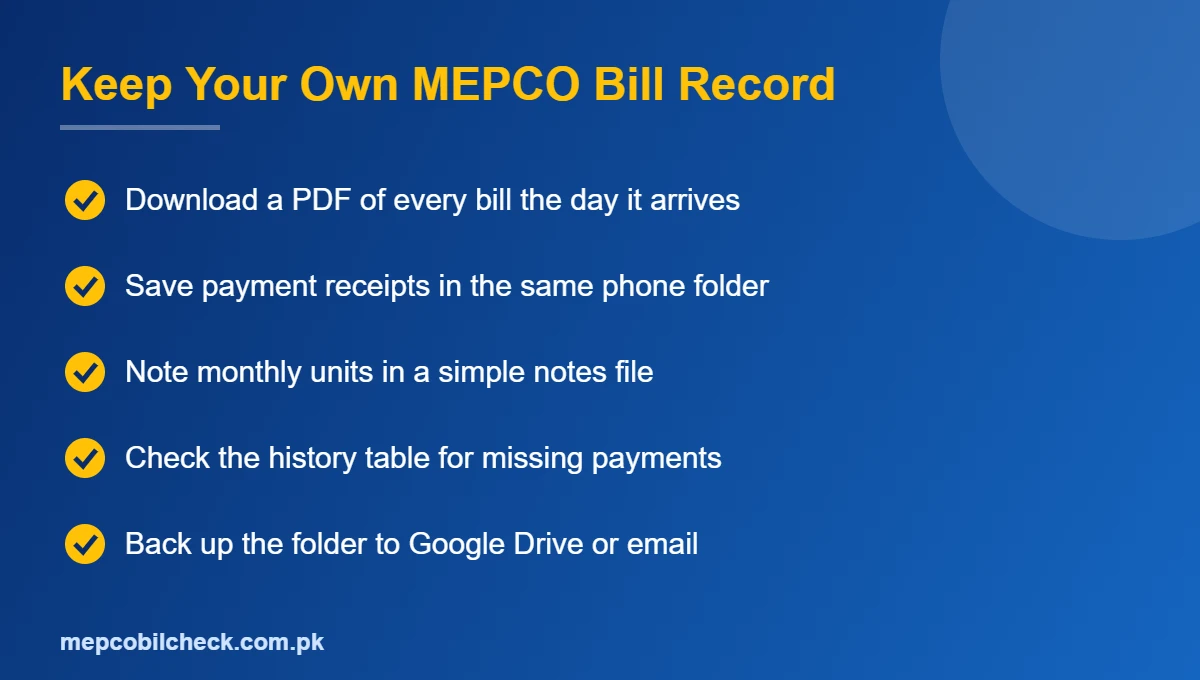
The best MEPCO old bill check is the one you never need to do. Build a simple personal record:
- Create a phone folder named “MEPCO Bills” and save each month’s PDF
- Add payment receipts or screenshots to the same folder
- Keep a short list of month, units and amount in your notes app
- Back up the folder to cloud storage or email it to yourself
- If you manage several connections, use one folder per reference number
With this record, you can answer any landlord, buyer or office query in minutes.
Frequently Asked Questions
How can I do a MEPCO old bill check online?
Open your current duplicate bill with the 14-digit reference number and scroll to the bill history table, which shows the last 12 months of units, bills and payments.
Can I download the full printed MEPCO old bill of a past month?
The online portal mainly shows the current bill with a 12-month history. For a full copy of an older bill, visit your MEPCO customer service centre or revenue office.
How do I check if my MEPCO previous bill was paid?
Compare the bill and payment columns in the history table. If the payment is zero or lower than the bill, the remaining amount appears as arrears.
How many months of MEPCO bill history can I see?
The duplicate bill shows the last 12 months. Older records are available from MEPCO offices.
Is the MEPCO old bill check free?
Yes. Viewing and downloading your bill and history online is completely free.
Final Words
Your MEPCO bill history is a powerful tool for spotting mistakes, protecting your subsidy status and planning your budget. Do a quick MEPCO old bill check every month with our free MEPCO bill check online tool, save the PDF, and contact MEPCO with your receipt if any payment is missing. If you are building or extending your home, our MEPCO new connection guide explains the full process.


7 Comments